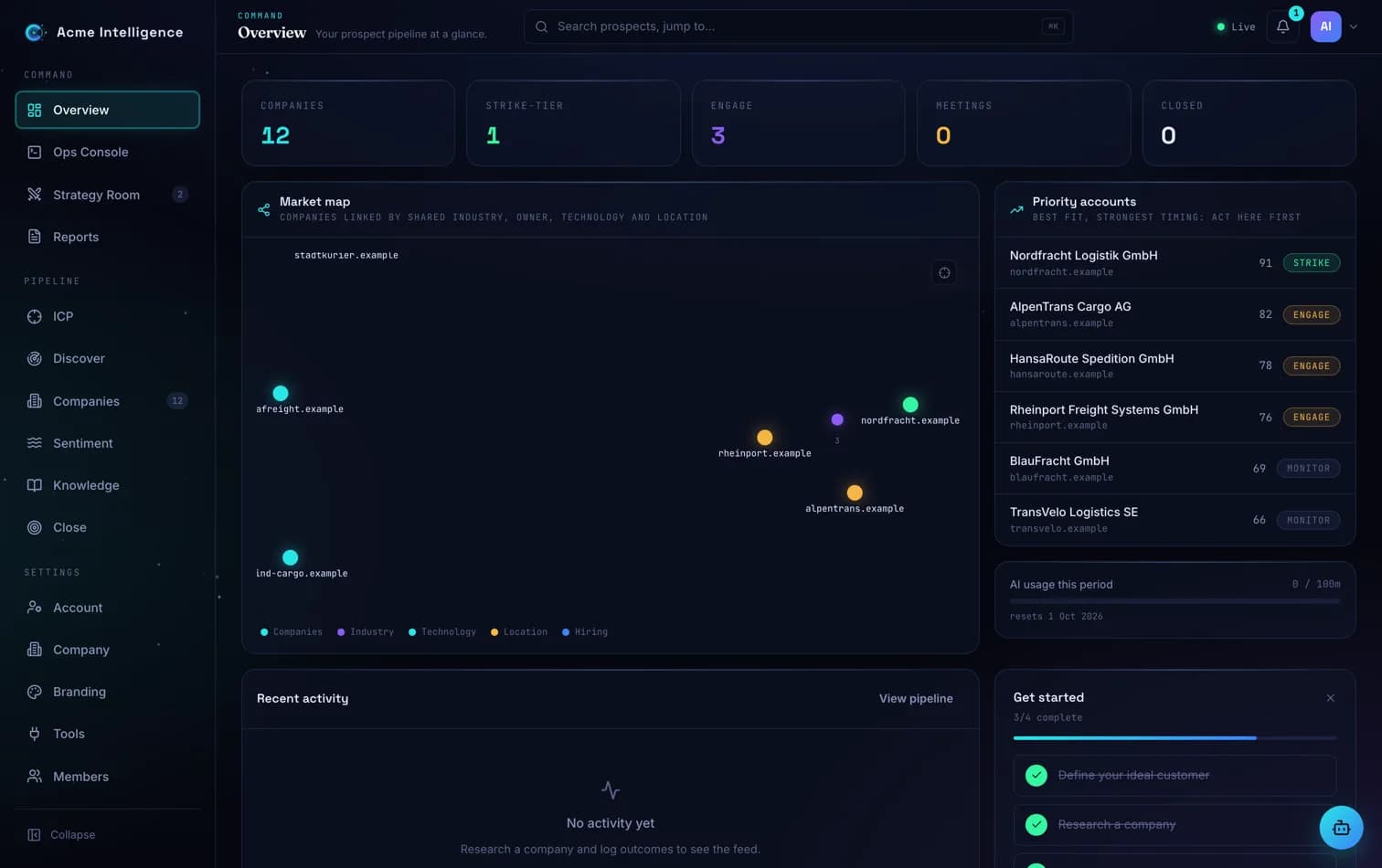
The Overview answers one question: what should I act on today? The figures bar counts your companies, strike-tier accounts, engagements, meetings and closed deals. Below it, the market map draws every researched company linked by shared industry, ownership, technology and location. Click any node to open its dossier.
Priority accounts
The panel on the right ranks your best-fit, strongest-timing accounts: strike tier first, then by score. This is your working list, and each row opens the full company dossier.
The usage strip
A thin meter shows this month's AI-token consumption against your plan's allowance, with the reset date. Click through to Billing for the full breakdown by feature and by teammate.
Press Cmd+K (Ctrl+K on Windows) anywhere to jump to any company dossier or console page by name. The theme toggle lives in your avatar menu.